

Client Support
Migrate from Harmony
 Topic Author

Migrate from Harmony
1 year 10 months ago
I am using my SmartRemote with Harmony. I want to set up my SmartRemote without using Harmony.
My system is simple: Roku Streaming Stick+, LG Smart TV (web-OS), Yamaha RX-V575 receiver, and Sony Blu-ray player BDP-S5100. The receiver and Blu-ray player are in a closed cabinet.
I am a novice. Creating templates is beyond my capabilities. I purchased a couple hours of support with my package, which I have not used. Please provide direction and the next steps.
My system is simple: Roku Streaming Stick+, LG Smart TV (web-OS), Yamaha RX-V575 receiver, and Sony Blu-ray player BDP-S5100. The receiver and Blu-ray player are in a closed cabinet.
I am a novice. Creating templates is beyond my capabilities. I purchased a couple hours of support with my package, which I have not used. Please provide direction and the next steps.
Please Log in or Create an account to join the conversation.


Re: Migrate from Harmony
1 year 10 months ago - 1 year 10 months ago
Hi Jim,
Just follow the documentation for the system.
allonis.com/support/documentation?view=category&id=413
The documentation assumes you will be installing native drivers for your devices.
Basically you install the drivers for your equipment, configure the driver to talk to your hardware, add that device to the room it typically will be used in, select that room from the SmartRemote room selector, click on the icon for that device, and control it.
I believe all of your hardware listed has drivers in the Software Updater.
Just follow the documentation for the system.
allonis.com/support/documentation?view=category&id=413
The documentation assumes you will be installing native drivers for your devices.
Basically you install the drivers for your equipment, configure the driver to talk to your hardware, add that device to the room it typically will be used in, select that room from the SmartRemote room selector, click on the icon for that device, and control it.
I believe all of your hardware listed has drivers in the Software Updater.
Last edit: 1 year 10 months ago by David Li.
Please Log in or Create an account to join the conversation.
Topic Author
Re: Migrate from Harmony
1 year 10 months ago
I followed the steps and think I am close. However, the menu items displayed on the Smart Remote are useless. I am lost on how to use MyDeisgner nor can I create macros. I don't have the skills or knowledge to get this to work, which is why I purchased 2 hours of support. I am willing to spend the hours to get up and running.
Please Log in or Create an account to join the conversation.
Re: Migrate from Harmony
1 year 10 months ago
Hi Jim,
Please be specific. When you say Menus are useless - what does that mean?
What do you need assistance with?
We certainly are more than happy to help...just need some guidance on what.
Please be specific. When you say Menus are useless - what does that mean?
What do you need assistance with?
We certainly are more than happy to help...just need some guidance on what.
Please Log in or Create an account to join the conversation.
Topic Author
Re: Migrate from Harmony
1 year 10 months ago
Hi David,
My apologies for not being more clear.
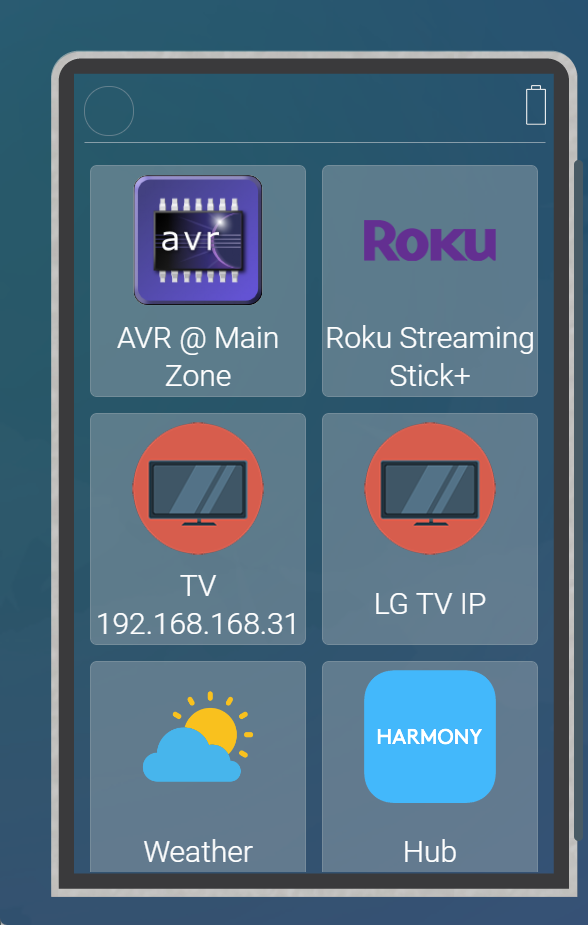
An image of my Smart Remote screen is attached as Smart Remote screen.png
I am showing two TV icons, but I am unsure which is correct.
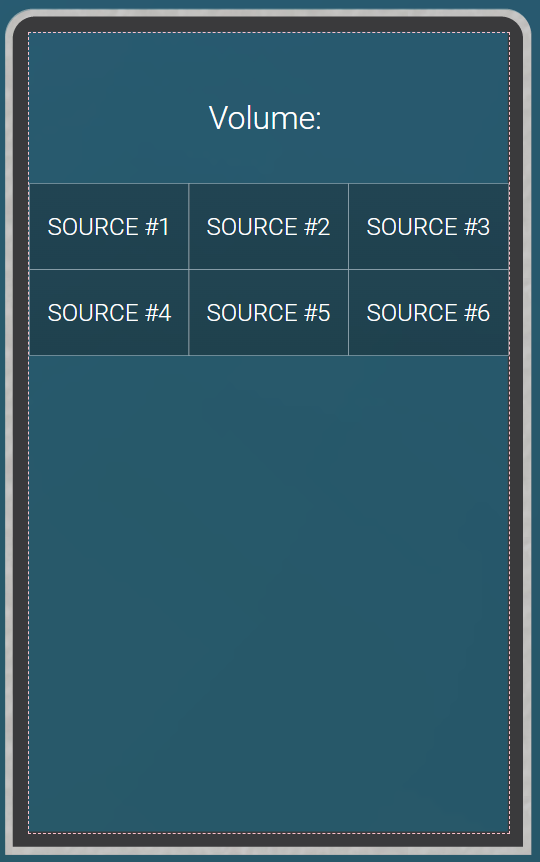
When I select the TV icon, I get the AVR.png screen (attached).
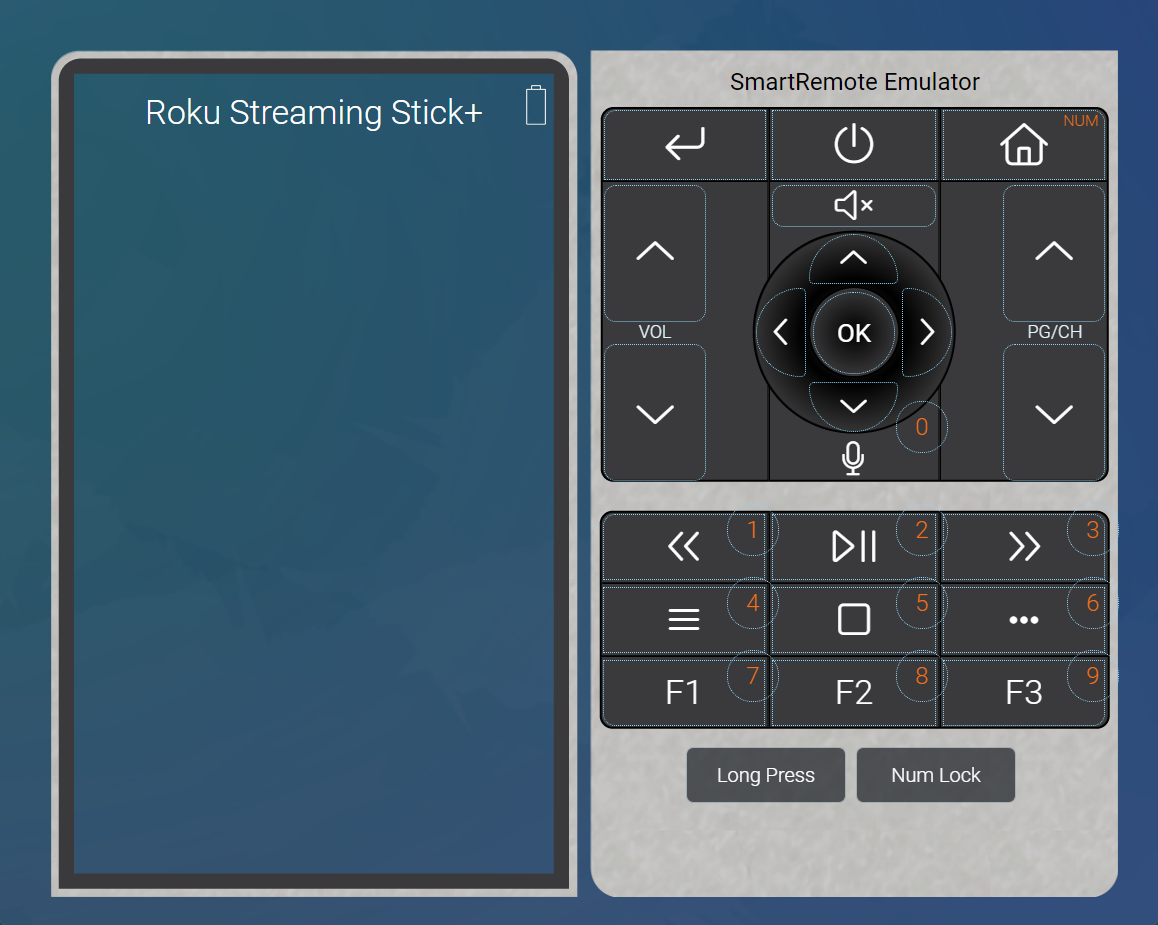
Selecting the ROKU icon, get the attached ROKU.pgn screen.
The info for the SONY Blueray driver is blank so I have nothing on my home screen.
Objective:
Use Roku. We'd like one icon to start and the ROKU and AVR.
TV: One icon the start and control smart TV and AVR
Blue Ray: One icon to start and control blue ray
I will discontinue Harmony once the above is operational. I will probably keep it as a failsafe but not use it.
My apologies for not being more clear.
An image of my Smart Remote screen is attached as Smart Remote screen.png
I am showing two TV icons, but I am unsure which is correct.
When I select the TV icon, I get the AVR.png screen (attached).
Selecting the ROKU icon, get the attached ROKU.pgn screen.
The info for the SONY Blueray driver is blank so I have nothing on my home screen.
Objective:
Use Roku. We'd like one icon to start and the ROKU and AVR.
TV: One icon the start and control smart TV and AVR
Blue Ray: One icon to start and control blue ray
I will discontinue Harmony once the above is operational. I will probably keep it as a failsafe but not use it.
Please Log in or Create an account to join the conversation.
Re: Migrate from Harmony
1 year 10 months ago
You have two LG TVs configured. 168.31 and 168.160 Both seem to be offline. Do you have two TVs or which is a duplicate that should be deleted?
Please Log in or Create an account to join the conversation.
Time to create page: 0.253 seconds

Copyright © 2026 Allonis. All Rights Reserved.