

Client Support
Setup of Panasonic UB-820


Re: Setup of Panasonic UB-820
2 years 7 months ago
Perfect.
I missed that you need to select IR Command Testing to get to the list.
I missed that you need to select IR Command Testing to get to the list.
Please Log in or Create an account to join the conversation.
Re: Setup of Panasonic UB-820
2 years 6 months ago
After setting up the Generic IR driver, and choosing the device from the IR database, the final step is to also download and configure the BluRayIR driver.
The notes say it requires the GlobalCache driver. What it should say is that it requires an IR device that has already been configured.
To configure the BluRayIR driver, go into driver command testing. Select Add Player. Choose something from every field to create the command. After making the choices, mine looks like this:
BluRayIR|AddPlayer~Name~IRDeviceID~Panasonic-DMP-UB820~Family Room
On the command line, replace Name with the name you wish to assign to the player. Replace IRDeviceID with the name you used when you setup the Generic IR device. My modified command looks like this:
BluRayIR|AddPlayer~Panasonic UB820~SR1~Panasonic-DMP-UB820~Family Room
Execute the command. The device will be added.
Unfortunately, the activation macro, and the source, were not added.
The notes say it requires the GlobalCache driver. What it should say is that it requires an IR device that has already been configured.
To configure the BluRayIR driver, go into driver command testing. Select Add Player. Choose something from every field to create the command. After making the choices, mine looks like this:
BluRayIR|AddPlayer~Name~IRDeviceID~Panasonic-DMP-UB820~Family Room
On the command line, replace Name with the name you wish to assign to the player. Replace IRDeviceID with the name you used when you setup the Generic IR device. My modified command looks like this:
BluRayIR|AddPlayer~Panasonic UB820~SR1~Panasonic-DMP-UB820~Family Room
Execute the command. The device will be added.
Unfortunately, the activation macro, and the source, were not added.
Please Log in or Create an account to join the conversation.

Re: Setup of Panasonic UB-820
2 years 6 months ago
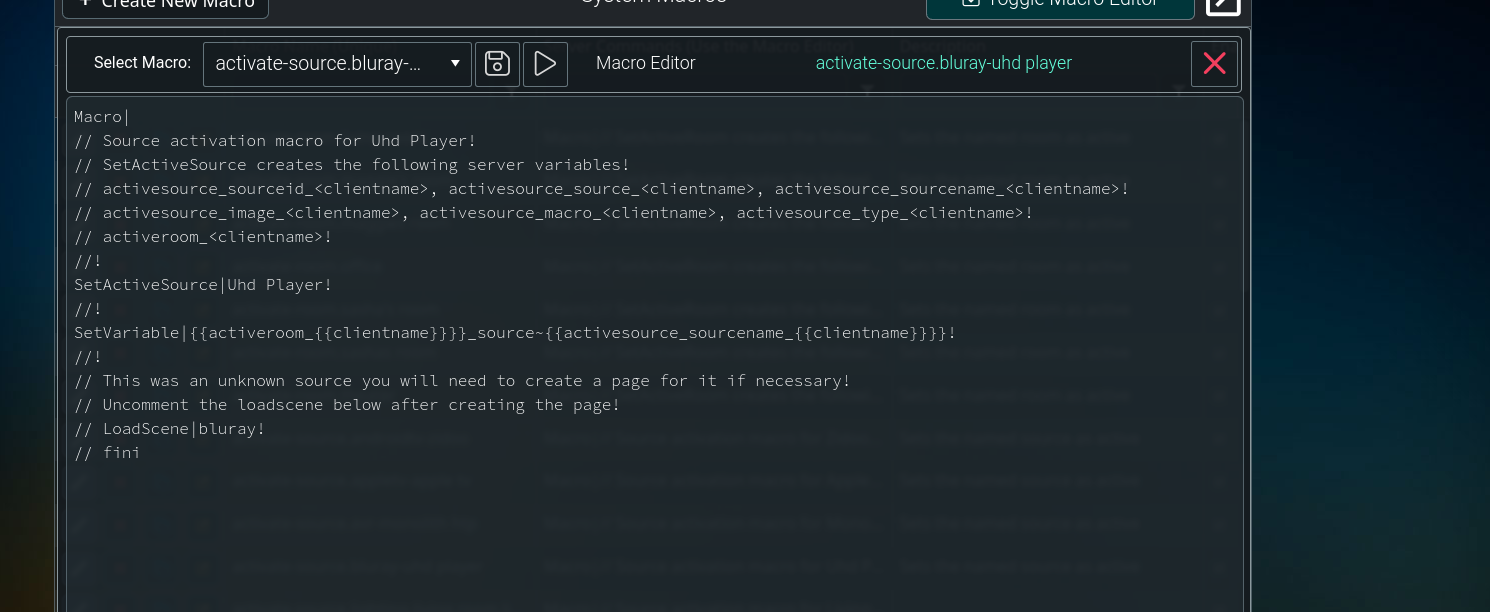
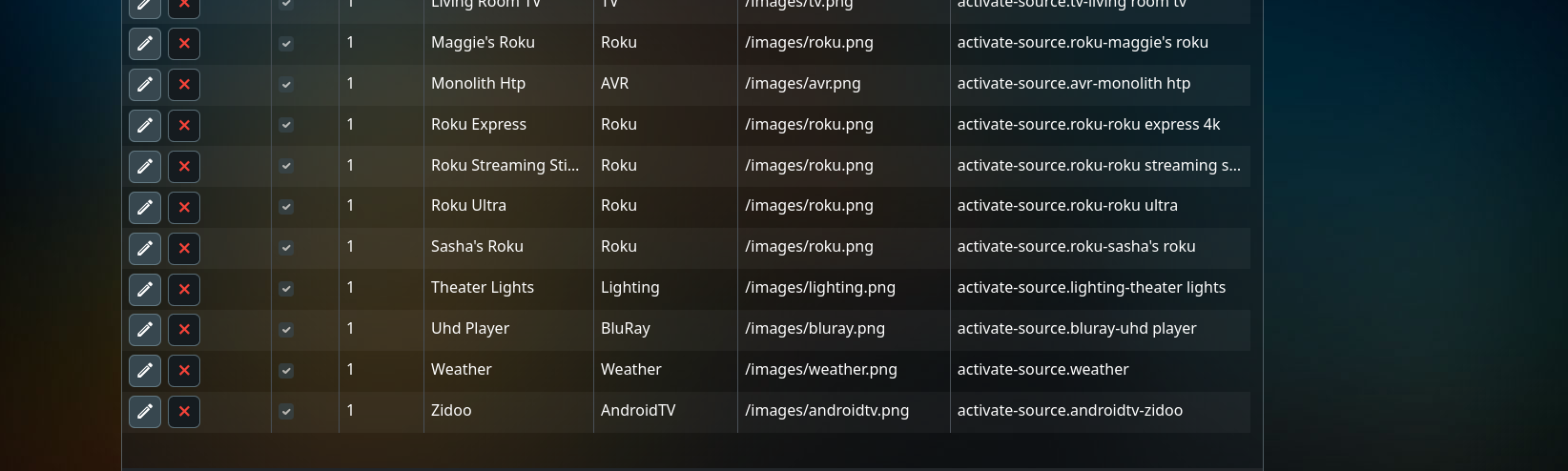
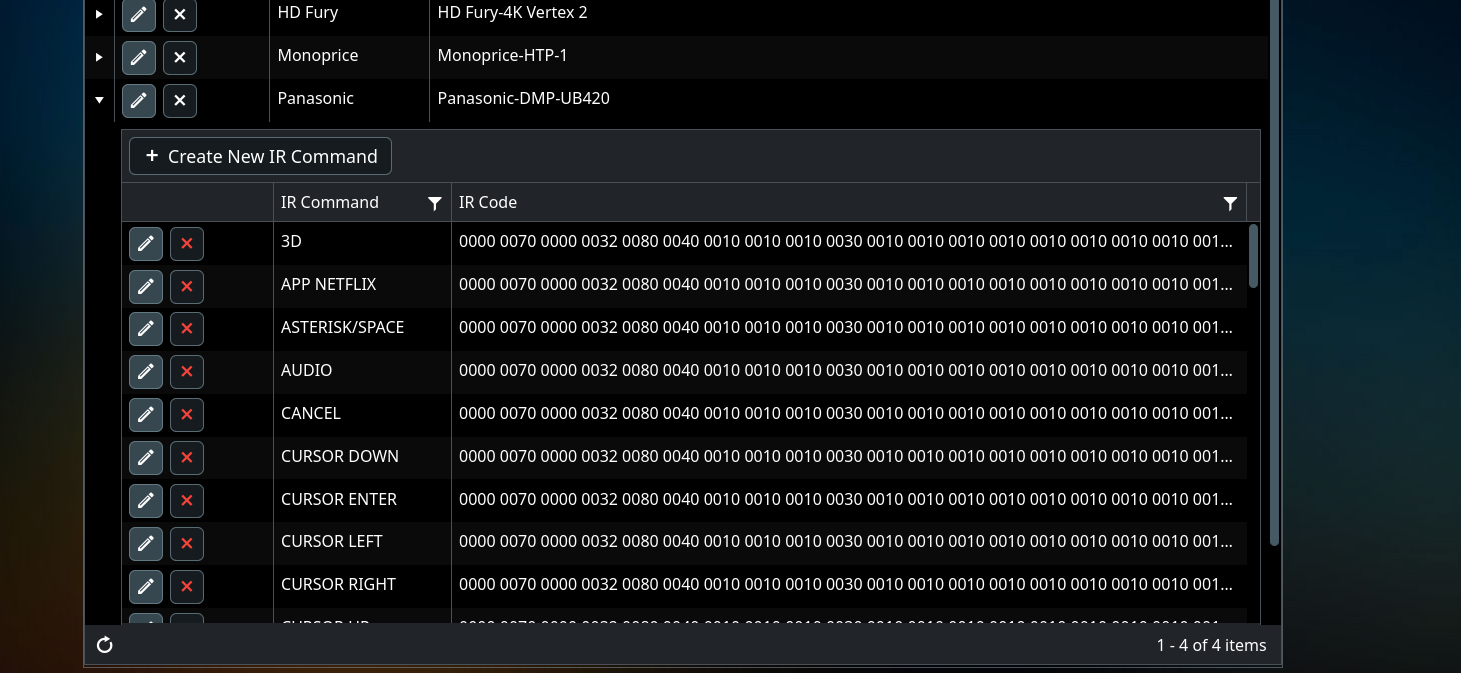
I'm setting up my ub420. I have the ir database model created. I've tested to make sure the ir commands work. I also created a "source" for the uhd player, myServer created an activation macro. I see I will need to edit the macro to uncomment the load scene command. Where or what I'm having issue with is.
Is there a way to automatically tie the ir code database to that scene ? Or to tie it to the source device so it loads automatically when that scene is loaded on the remote ?
I also made source devices for my htp and zidoo player. Same principle applies as macro's were made and ir commands work, but trying to take "lazy" way out of mapping commands to remote buttons.
Is there a way to automatically tie the ir code database to that scene ? Or to tie it to the source device so it loads automatically when that scene is loaded on the remote ?
I also made source devices for my htp and zidoo player. Same principle applies as macro's were made and ir commands work, but trying to take "lazy" way out of mapping commands to remote buttons.
Please Log in or Create an account to join the conversation.


Re: Setup of Panasonic UB-820
2 years 6 months ago
Sounds like you need the BluRayPlayer IR driver that should be out soon.
Please Log in or Create an account to join the conversation.
Re: Setup of Panasonic UB-820
2 years 6 months agoSounds like you need the BluRayPlayer IR driver that should be out soon.
So that's a "No, there is not an easy way to create a source from an ir model" ?
Please Log in or Create an account to join the conversation.
Re: Setup of Panasonic UB-820
2 years 6 months ago
The BluRayIR driver is where you pair the IR Model with an IR emitter to create a BluRay device. The current driver does not yet create the activation macro and source automatically.
If you are in a hurry, you can try the BluRayIR driver as it is today, and see if it is possible to create the macro and source manually.
I'm just going to wait for the updated driver.
If you are in a hurry, you can try the BluRayIR driver as it is today, and see if it is possible to create the macro and source manually.
I'm just going to wait for the updated driver.
Please Log in or Create an account to join the conversation.
Time to create page: 0.368 seconds

Copyright © 2026 Allonis. All Rights Reserved.