

Client Support
Videostorm irUSB


Re: Videostorm irUSB
2 years 5 months ago
Does the IRUSB prevent the Shield from sleeping? Or is it smart enough that the remote will wake the Shield from sleep?
Please Log in or Create an account to join the conversation.


Re: Videostorm irUSB
2 years 5 months ago
Not sure if it prevents it but the driver supports a WakeUp command that says it will wake the device if it is sleeping.
Please Log in or Create an account to join the conversation.
Re: Videostorm irUSB
2 years 5 months ago
Hi Dave! Congratulations on the swift launch!! As expected IrUSB is significantly more responsive than ADB! Wife approved over here! phew!! dodged a bullet lol...
I have been having issues with a few commands... Could you double check if they work for you?
- AV|{{active_irusb_{{clientname}}}}~Remote~Back
- AV|{{active_irusb_{{clientname}}}}~Remote~Menu
- AV|{{active_irusb_{{clientname}}}}~Remote~Home
(I tried on the driver test too and apparently they arent working) but let me know, if it works for you then i'll look further!
Thanks again on this great addition!!
I have been having issues with a few commands... Could you double check if they work for you?
- AV|{{active_irusb_{{clientname}}}}~Remote~Back
- AV|{{active_irusb_{{clientname}}}}~Remote~Menu
- AV|{{active_irusb_{{clientname}}}}~Remote~Home
(I tried on the driver test too and apparently they arent working) but let me know, if it works for you then i'll look further!
Thanks again on this great addition!!
Please Log in or Create an account to join the conversation.
Re: Videostorm irUSB
2 years 5 months ago
Hi Dave, I actually realized that it is sending something to irUSB, for some reason the Back is showing up as an "ESCAPE 111" button on my Google TV Chromecast... I've been able to remap the command using button mapper to BACK, so its working!
It must be something specific to using the chromecast, who knows... Anyways, its working, thanks!
It must be something specific to using the chromecast, who knows... Anyways, its working, thanks!
Please Log in or Create an account to join the conversation.
Re: Videostorm irUSB
2 years 5 months agoI can't get it to work at all, which is my biggest problem. I started another thread on the basic issues I have with the functionality.Funny you should ask. The initial release of the Video Storm IRUSB driver is available for download. Make sure you grab the server update along with the driver.
Connect the IRUSB as per the instructions on the Video Storm website. Install their app from the play store.
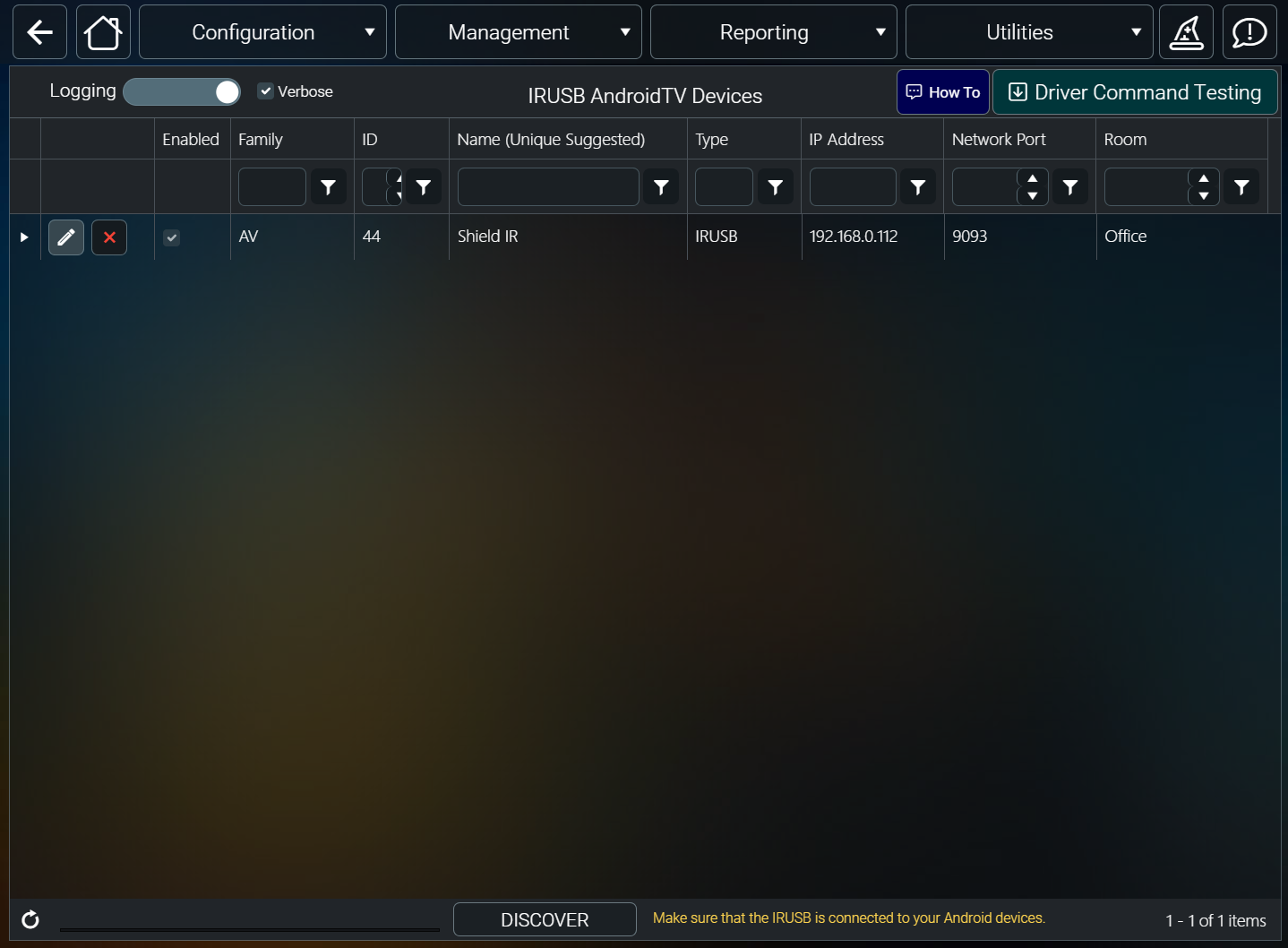
Then use discovery or manually add your IRUSB device in the driver.
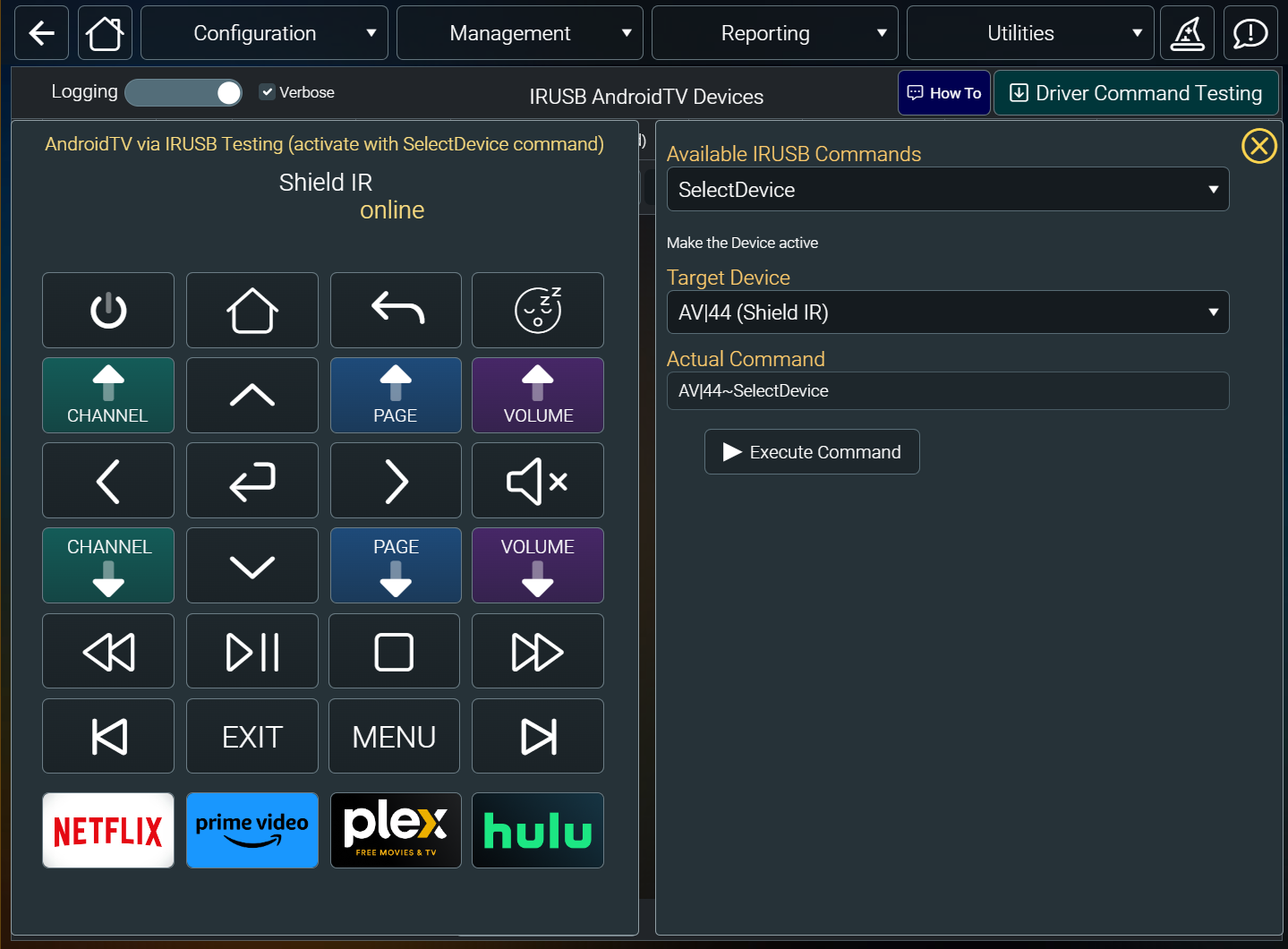
Use the command builder to exercise the available functions.
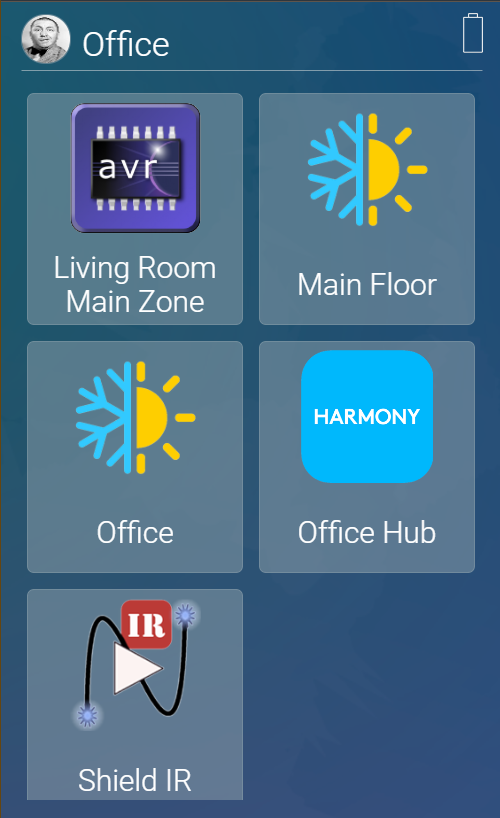
The Smart Remote sample template incudes a sample page for the IRUSB. It will show up like this on the index page
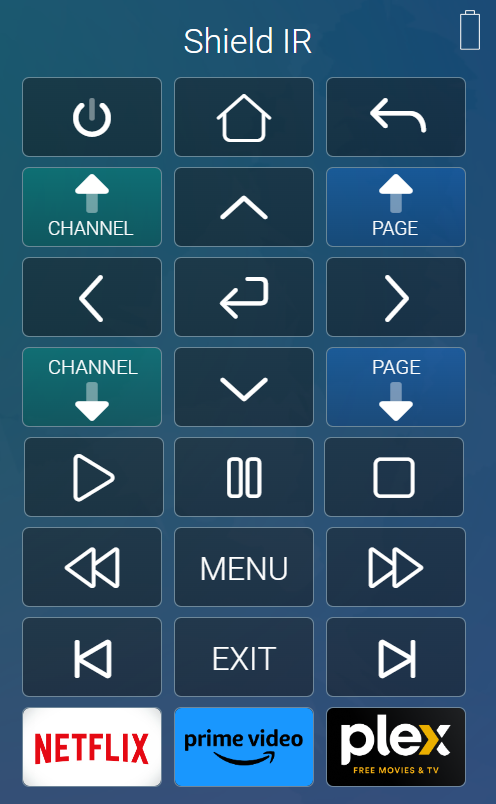
While the irusb.html page looks like this.
I'm fairly surprised on how well it works. I've only tested it on a single Nvidia shield so far. It can send IR but that has not been fully tested yet.
Give it a go and let us know how it's working for you.
I'm also noticing what I think are several other smaller issues with the driver.
1. I notice that when I add via Discover it doesn't set up the App in sources and apps, whereas when I add via AddDevice, it adds the Source and App.
2. Deleting the driver does not delete the associated IR controller that get created for the device in Generic IR, which means if you reinstall the driver, a second set of IR controllers are created for the same device.
3. Similarly, deleting the driver does not delete the Sources and App that gets created for it when you add device
Please Log in or Create an account to join the conversation.
Time to create page: 0.319 seconds

Copyright © 2026 Allonis. All Rights Reserved.