
The Anthem device driver supports the following Anthem Devices;
MRX-1140, MRX-1120, MRX-740, MRX-720, MRX-540, MRX-520, AVM-60, AVM-70 and AVM-90.
The driver will support all the basic commands to control the amp during normal use. It does not attempt to reproduce every protocol command especially the commands for setting up the device. These commands are typically only used during the initial setup of the amp and the remote supplied with the amp is best used for that.
Install the driver from the Software updater and after the server restarts navigate to the drivers page and open the Anthem page.
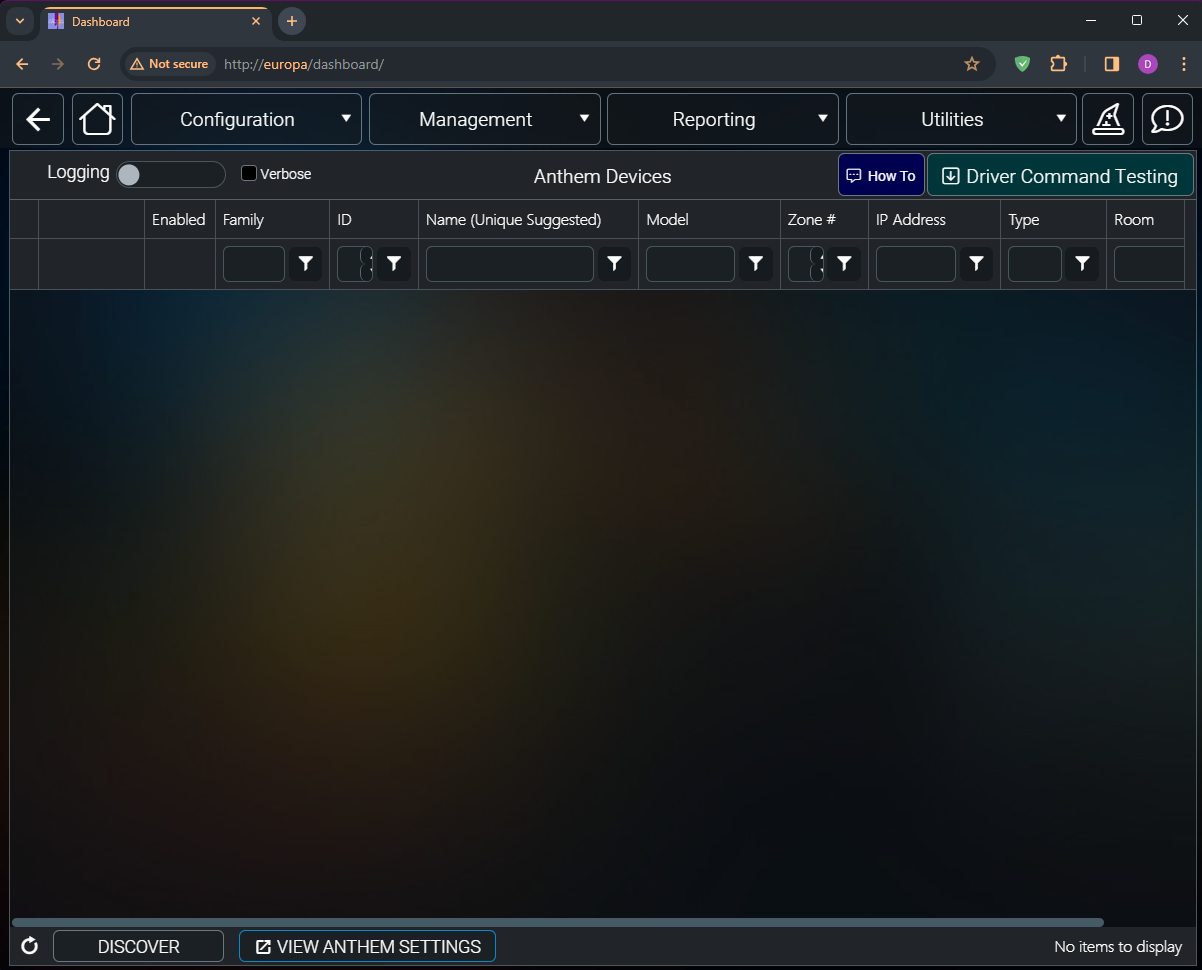
Make sure your Anthem amp is powered on and on the network. Click on the Discover button to start the discovery process.
After a few seconds your amp should be discovered.
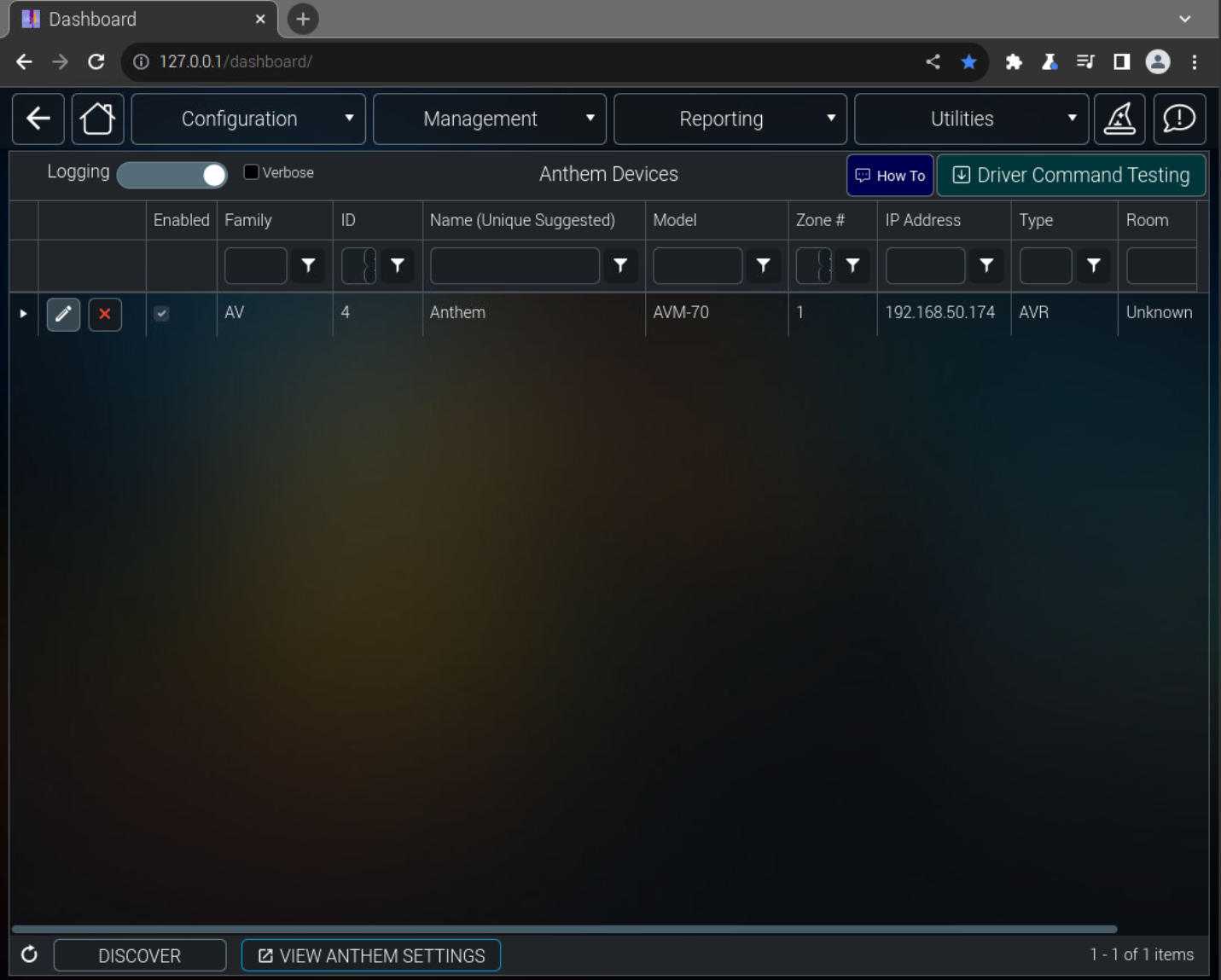
Please confirm that the correct model Anthem was discovered. If not please let tech support know.
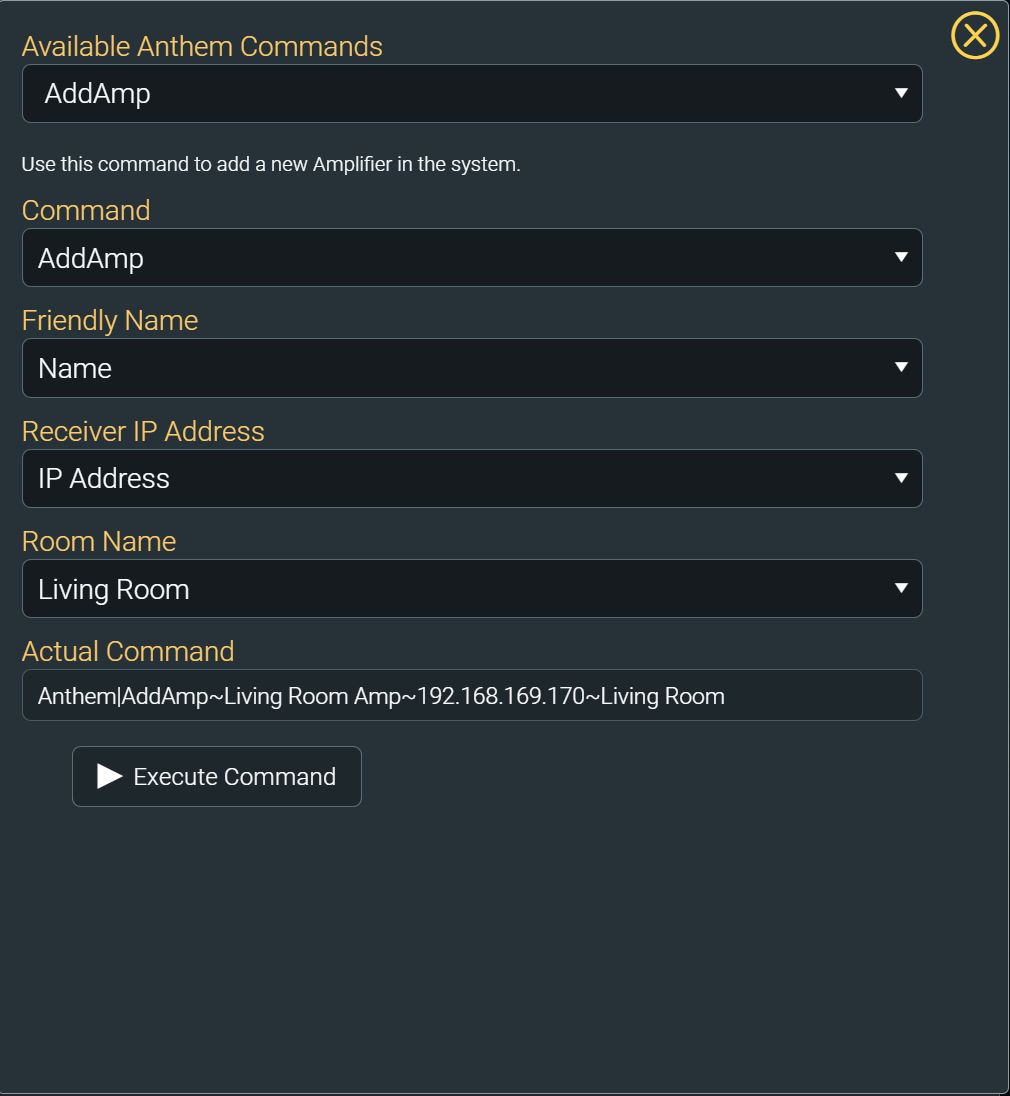
You can also manually add the amp via the driver's command builder AddAmp command.
In either case make sure the driver can successfully communicate with your amp. Check the servers live event log for any issues.
The amp will be added into the Unknown room. Please make sure that you move it into the correct room before further testing.
The device type should be "AVR".
Amp Testing:
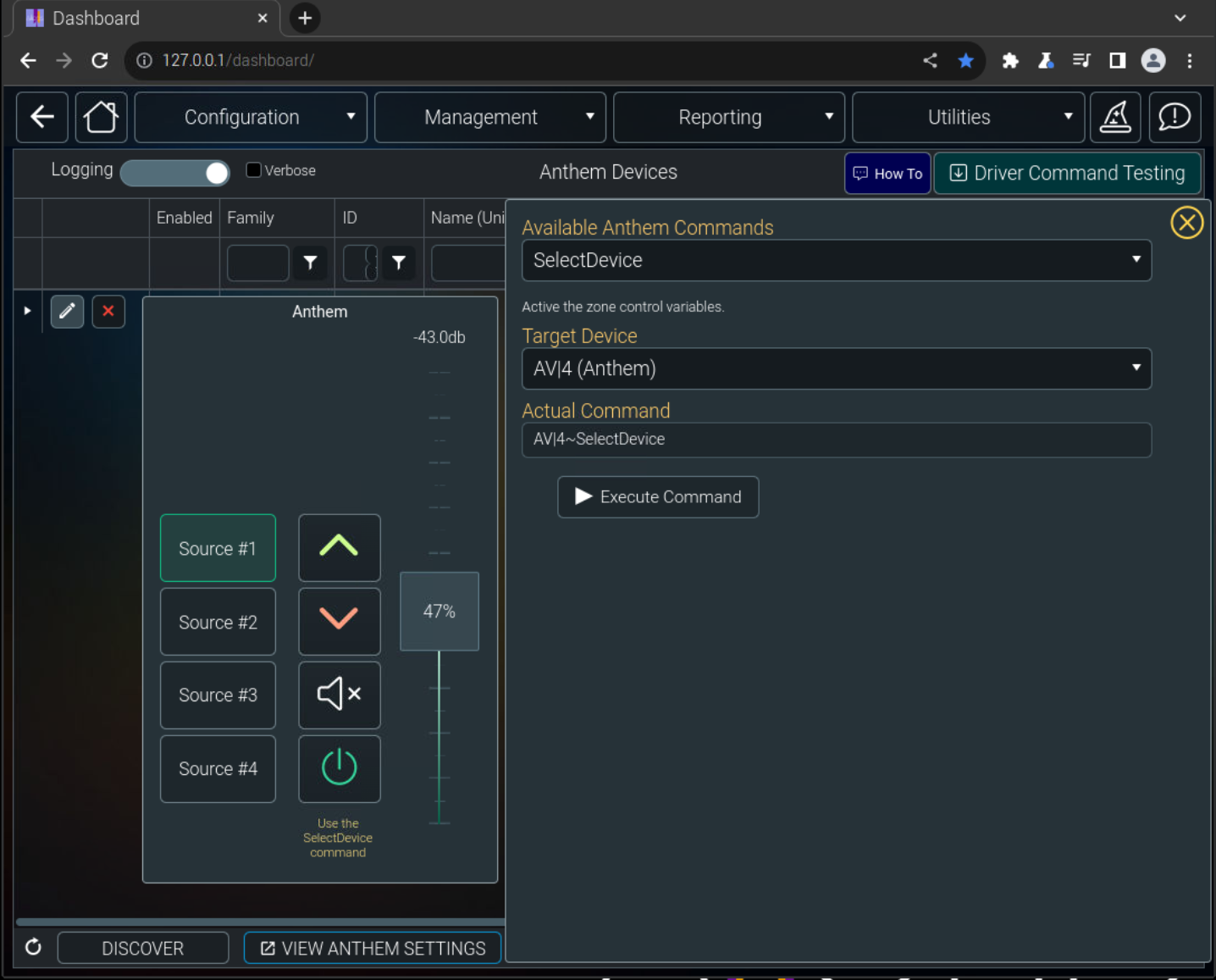
You can test basic amp functionality directly in the driver. From the command builder execute the select device command. Use the exposed controls to the left of the command builder to test communication with the amp.
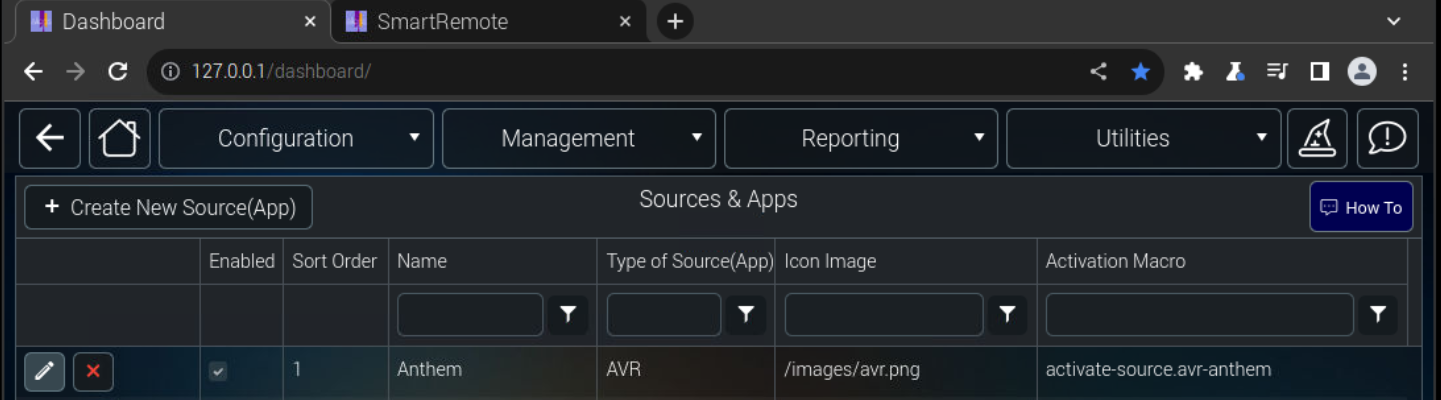
If you look in Configuration / Sources & Apps you should see that a new source has been added.
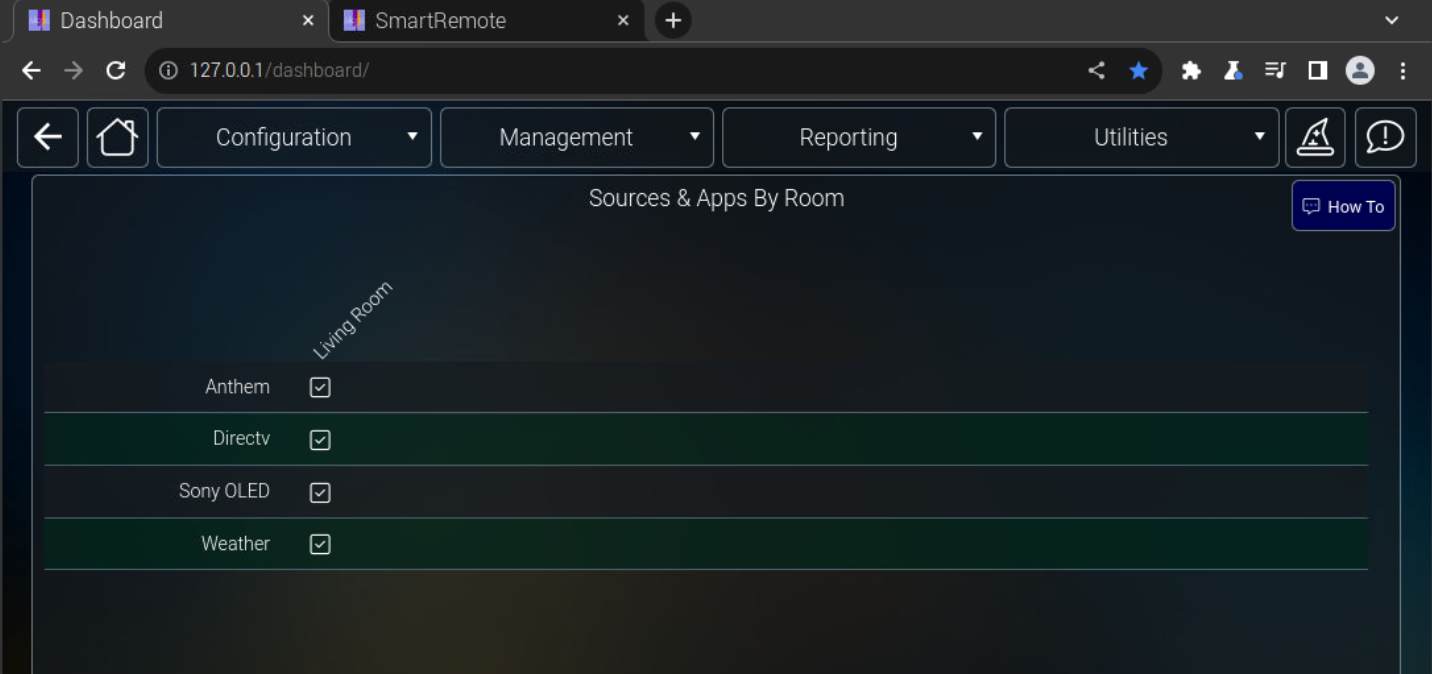
From Configuration / Sources & Apps by Room you should see that it has been placed in the specified room.
SmartRemote:
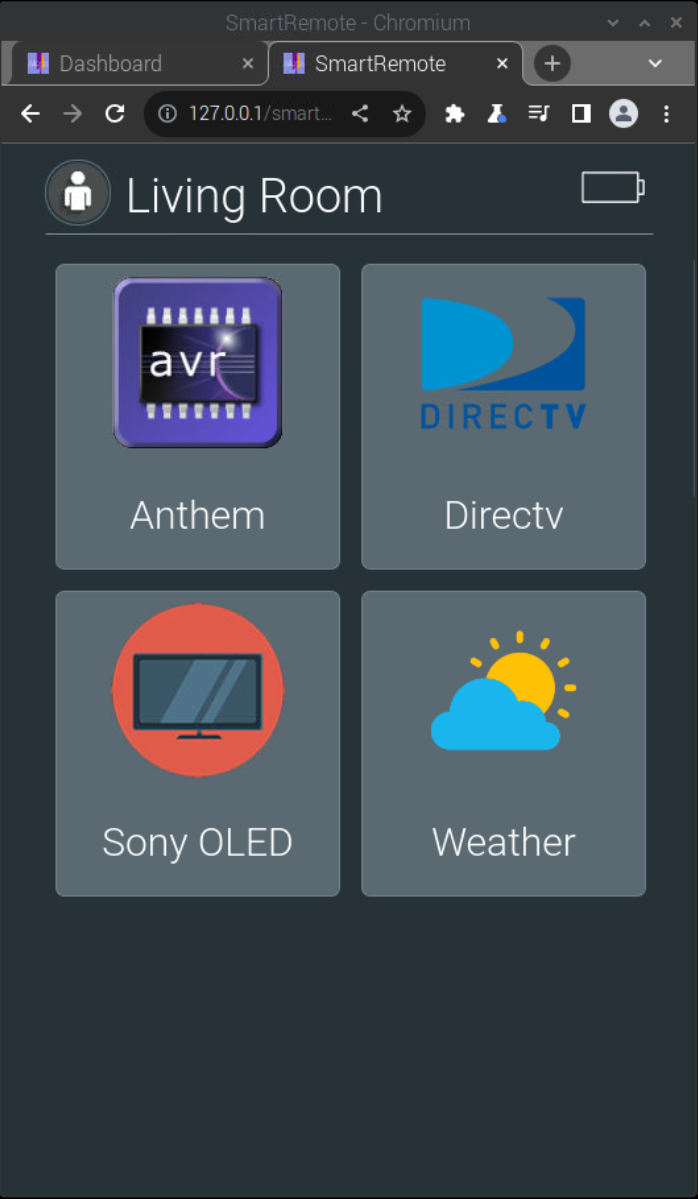
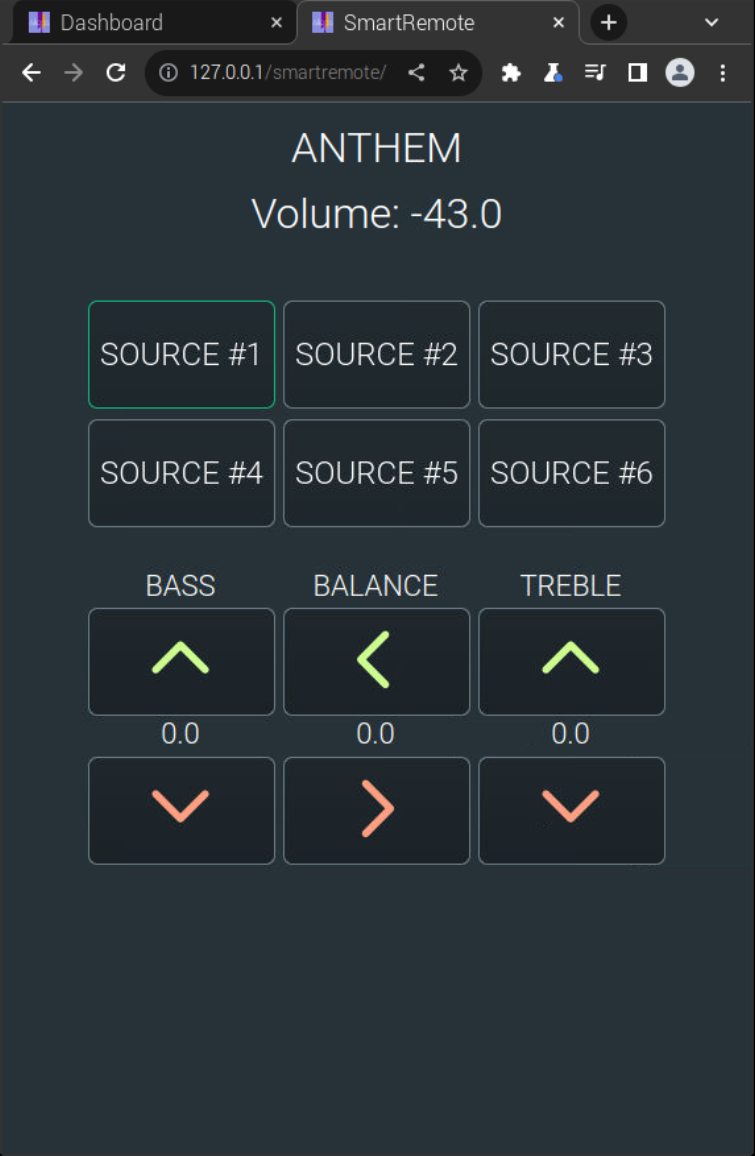
Navigating to the home page on the SmartRemote you should see a source entry for the amp under the AVR icon. Pressing the icon will bring you to the generic AVR page. Here you will have basic control of the amp. You are free to modify this page to suite your needs. The hard buttons will control volume, mute and power.
Amplifier Setup:
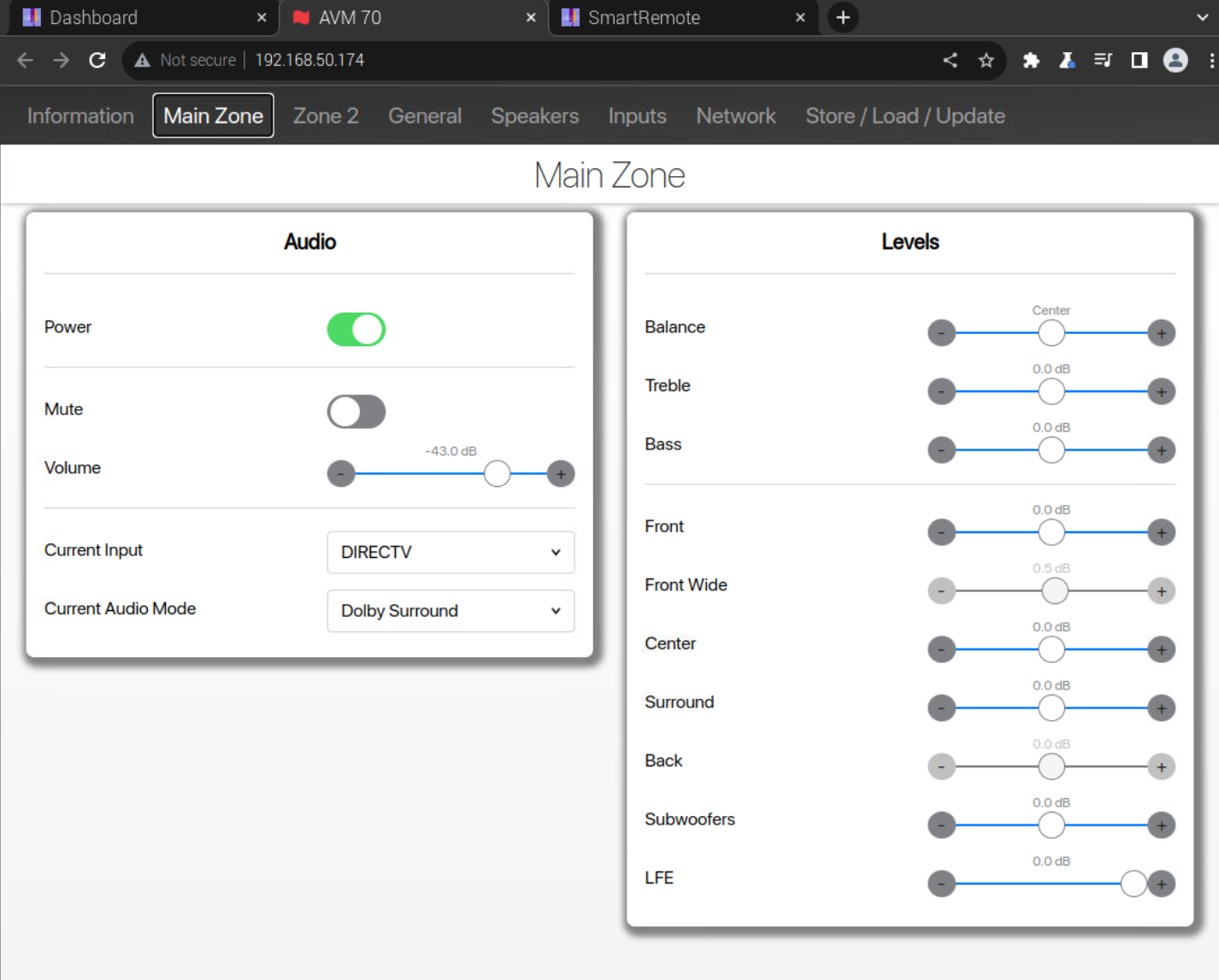
At the bottom of the Anthem driver page you will see a button labeled View Anthem Settings. Clicking this button will take you to the amp's configuration web page.
Please report any issues or driver enhancements on the our Forums.