
Shelly makes some very small Wifi relays that work on 12 volts. This makes it perfect for usage in RVs / Boats / Trucks / Autos.
Installation:
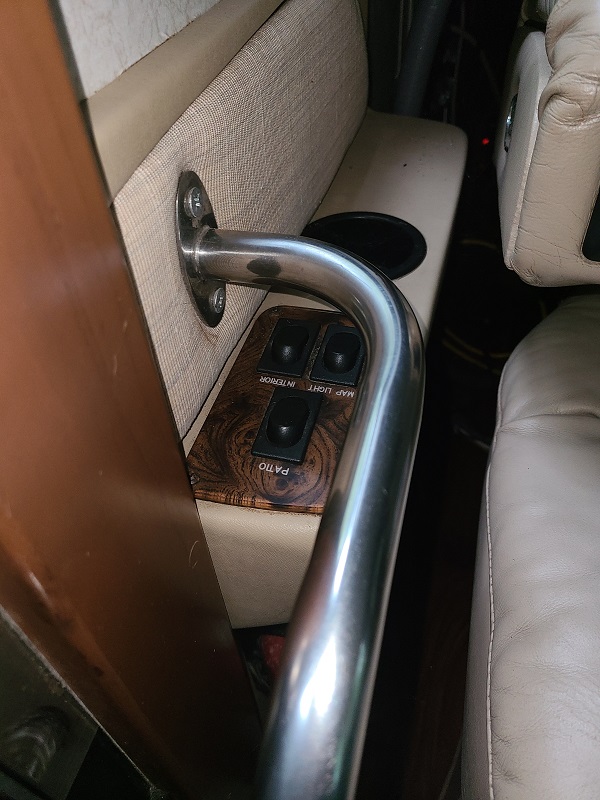
This is the original switch layout. For overhead lights, Map lights, Patio.
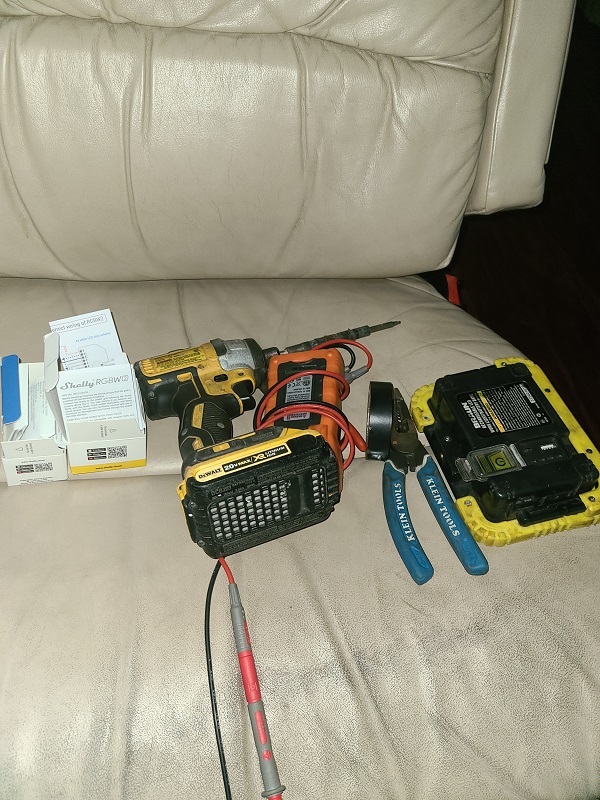
Typical wiring tools needed. Important is a multimeter.
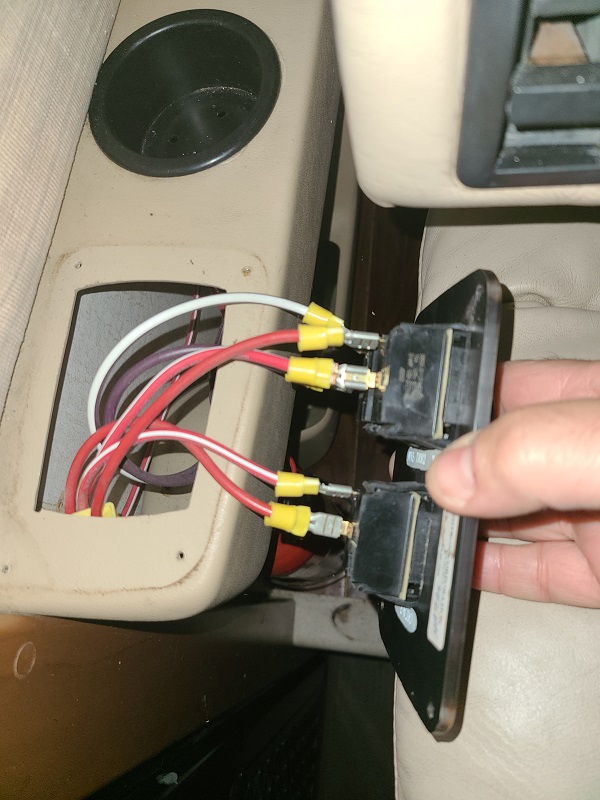
Here is the original wiring. Each Switch is fed Power. Then the Load (the lights) are on the other side of the switch. There is no Ground cable here.
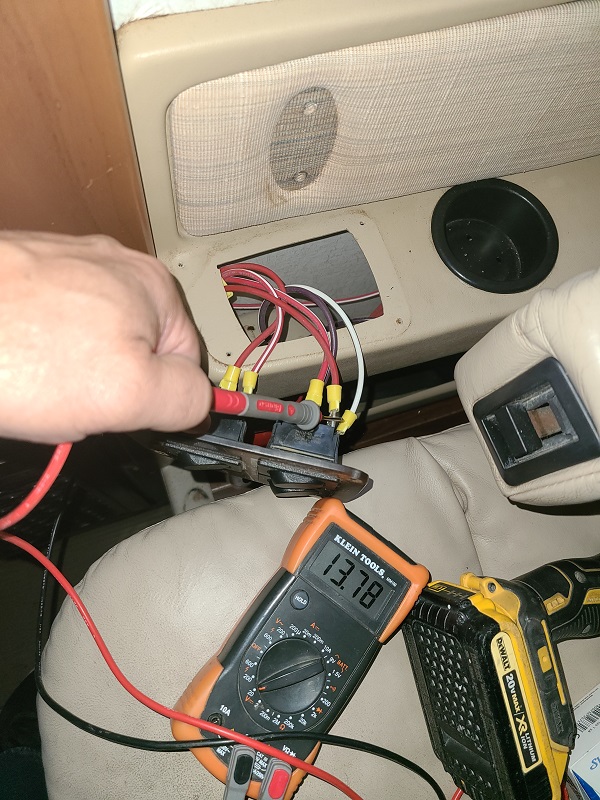
Check with the multimeter which switch connector has constant power. Check for power with the light switch off.
Splice in the new Shelly relay.
The old power wire goes to a Wago 3 or 4 position connector. Then run a shorter 12 gauge wire to the Shelly 12V+
I added a new ground wire that is connected to the window frame screw above the switch assy. This can be a smaller gauge wire as no large current will flow to it.
Wire the old switch to the Shelly Switch connection. Run the Ground to the other side of the switch
Run the large positive wire from the Wago connector to the Input of the relay
Run the large Load wire to the Output of the relay.
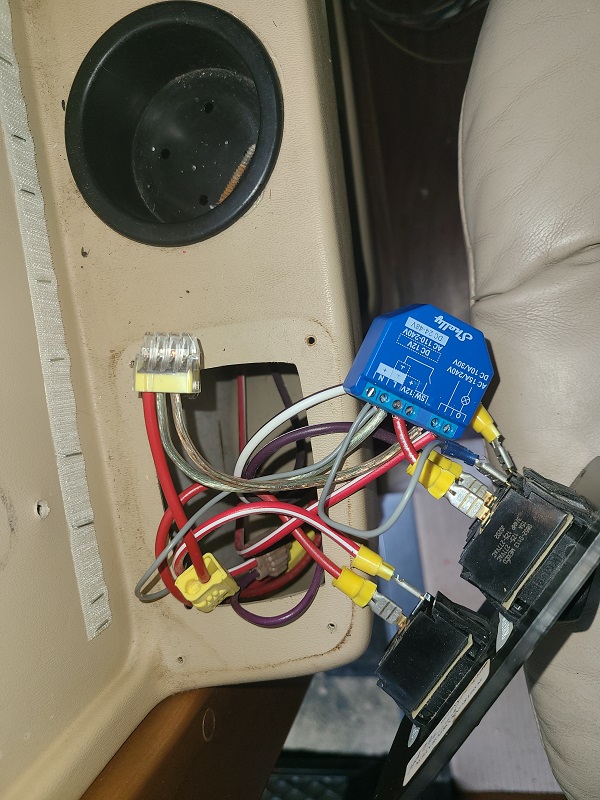
Repeat with the other two relays
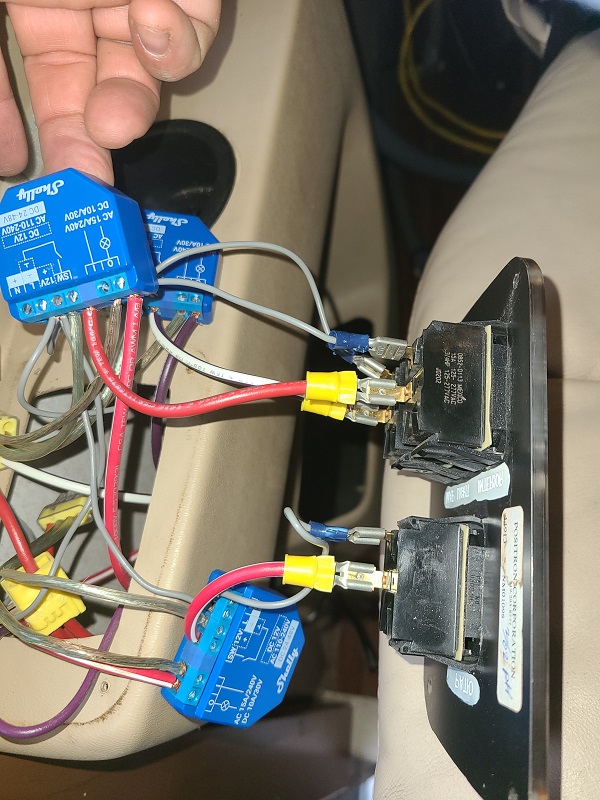
Test that all works using the Shelly app
Double check there are no wire hairs to short on anything. Then stuff the relays into the enclosure and screw it all together again.
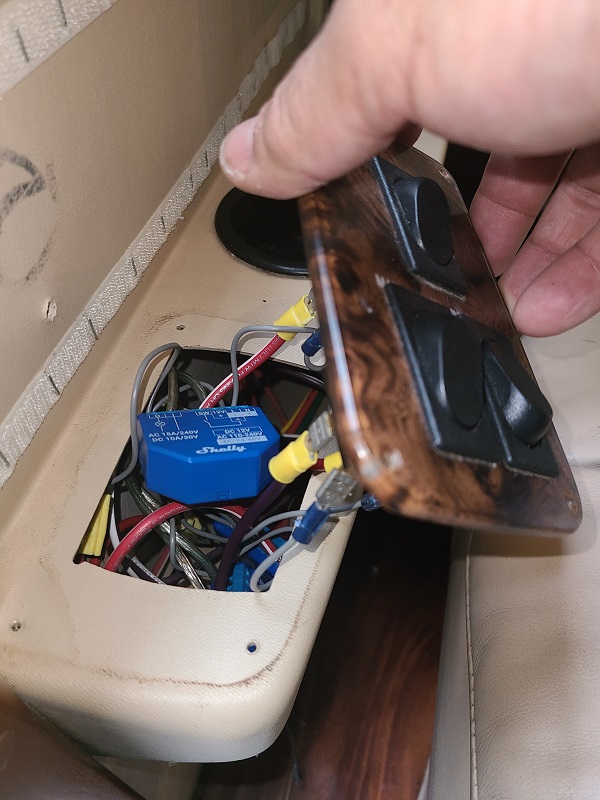
Clean up everything and put it all back together! You should now be able to use either the mechanical old switches, or connect myServer 6 control system to control the switches according to time, occupancy, or remotely.
Control using myServer
myServer communicates with Shelly devices via MQTT.
Enable MQTT server on myServer in Command Builder port 1883
Add the Shelly Driver to myServer using the Software Updater.
Enable MQTT communication in the Shelly devices's webpage No SSL, Enable MQTT Control, Enable RPC over MQTT, RPC status notifications over MQTT all enabled.
Server defined as: "192.168.0.150:1883" (or whatever your myServer IP address is)
Relays support On / Off / Toggle commands. Test these in myServer Command Builder (in the Shelly driver)
Add Shelly devices to myServer by clicking the DISCOVER button in the Shelly driver.
The friendly names you called the relays should come in for ease of identification in myServer.