

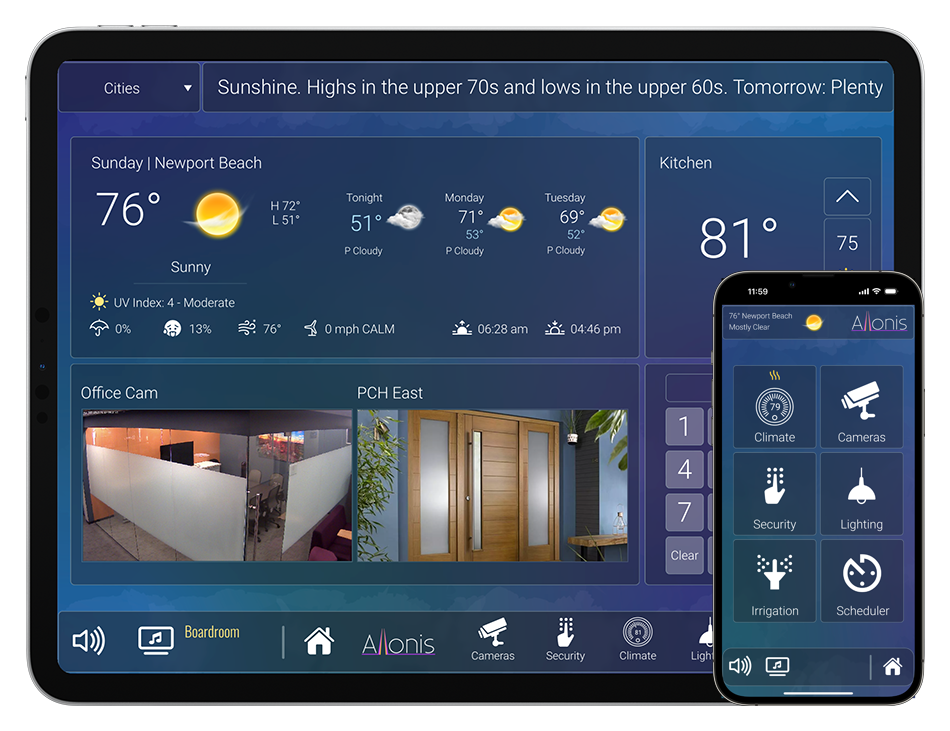

The myServer 6 controller is commonly used to control Televisions.
For most commercial installations, only Power On / Off is implemented. Sometimes Volume control if there is no commercial audio system installed. Sometimes video source selection for systems that don't leverage a video matrix for distribution and selection.
As there is no single method or communication protocol used, the specific TV to be controlled must be known.
Methods (Listed best to worst):
IP (Ethernet) control is the most modern and best as it responds quickly and reliably. Most TVs also can provide a status via IP which aids in the reliability of macros and general control. Some TVs use Wake on LAN (WOL) to turn the TV On and IP to turn the TV Off. What this means is that the TV has to be completely OFF (which can take several minutes) to turn the TV back ON again. Not an issue for most all systems that are automatically turned ON in the morning, and OFF at night using myServer automation scheduling.
Wifi can also be used on most "Smart TVs" same as Ethernet. But it will only be as reliable as the Wifi network which in most all situations, is less reliable than a cable connection. So, an Ethernet connection is recommended especially for commercial projects.
CEC: This technology allows for control of a TV via it's HDMI input. CEC is a "loose standard" and implemented uniquely for each make / model of TV so can be difficult to get to work. CEC is also known by many different marketing names that also makes it confusing. Depending on the Video Matrix equipment, sometimes myServer can control TVs via CEC if IP / Wifi are not available. Contact Allonis for Engineering assistance.
Serial control can be used on certain TVs. This is an older mechanism but was popular on commercial duty TVs. It requires seperate wiring from the video cable with custom terminated ends typically with DB9 adapters or special minijacks (depends on the TV). Sometimes, the Video Matrix switch can distribute the serial data via the video cable to make serial control easier. Contact Allonis for Engineering assistance.
Infrared is supported on most all TVs (and myServer), but this requires additional hardware (Infrared IP2IR) and additional wiring, and takes more time to install and test and is the least reliable control system method. Therefore it is not recommended for most all modern installations. The GenericIR Control driver supports the IP2IR.
The SmartRemote also supports IR output. This also uses the GenericIR Control driver to associate commands to IR codecs for your IR device.
Recommended TVs
Commercial TVs should always be used for commercial 24x7x365 installations as they last longer (Airports, Hotels, Convention Centers etc).
Better quality consumer TVs are being installed in most Sports Bar / Restaurant projects as they look great, last fairly long and aren't as expensive as commercial duty.
Lower end consumer TVs are not recommended for any professional installation as they take longer to configure the control system, that offsets most savings to the mid level consumer TVs that look better and last longer.
For most markets, Sony, Samsung, LG and Viewsonic dominate the sales. And the good news is myServer supports most all of the TVs that have IP control within these brands. So select a model from these three manufacturers. myServer now supports auto IP Discovery of most of these TVs that makes the installation much simpler than in the past.
Most important it to contact Allonis with your proposed system design and make / model of all TVs BEFORE equipment is purchased to ensure compatibility.
When adding any TV driver to myServer, Device type should be "TV".