

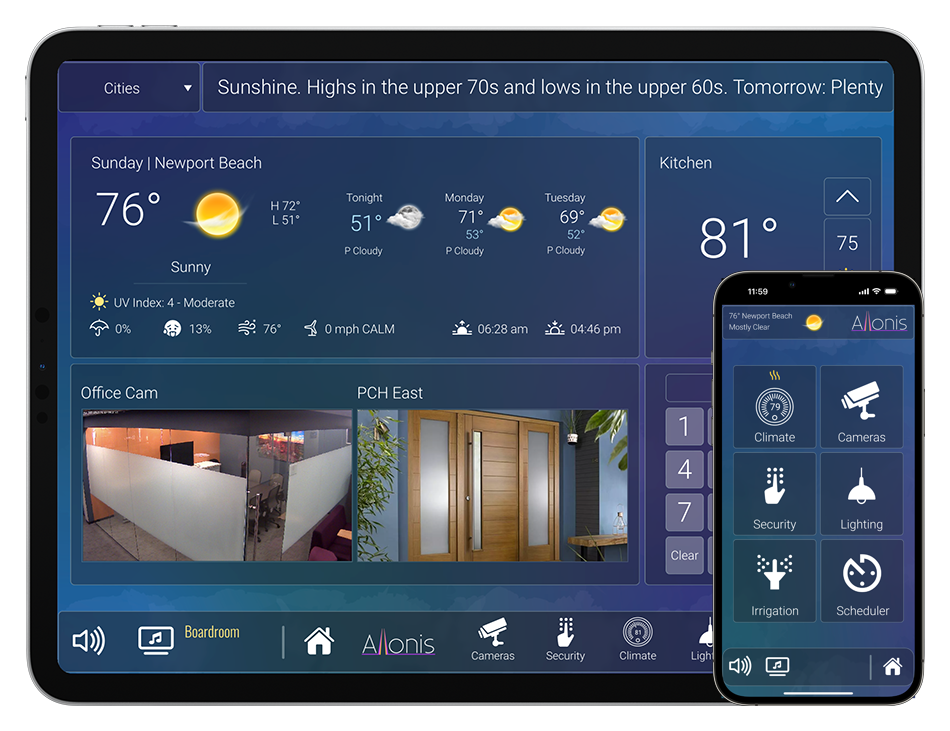

Controlling Sports Bar Audio / Video systems
We see that there are three levels of play with regards to infotainment system control.
Basic: Use individual TV remote controls and DirecTV / Cable box control remotes. Pros - cheap. Cons - difficult to use, especially once the system grows beyond 6 TVs. Inability to watch / listen to what's showing on the TVs on the bar speaker system.
Entry: The majority of control systems will allow for "remote control" of the cable boxes via Infrared control that most all devices support. Pros - Certainly a step up from Basic ease of use. Cons - unreliable and difficult for non technical people to use.
Pro: Companies like: Crestron / Savant / Control4 / URC offer good systems that provide for IP control (more reliable than IR), and a custom integrator designs the system around the needs of the facility. Pro: Should be easier to use than Entry. Con: Can be very expensive.
myServer 6 makes it easy to control sophisticated electronics in the equipment rack. Here is how it works:
The Allonis myServer 6 automation server is typically a 1.5U rack mounted computer device that is connected to the ethernet "Control" network.
myServer is the "brains" of the system.
All of the devices to be controlled (like the Video Matrix Switch, the Audio Matrix Switch, etc.) are also connected to the Control Network.
The Allonis Sports Bar system is highly customizable. Here is the most common system design:
Most all Sports Bars use a Video Matrix Switch that routes video (and optionally audio) from the Video Sources (like DirecTV or Cable Boxes or Streaming Boxes) to the selected TV(s).
Audio is routed similarly but through an Audio Matrix Switch. Audio sources connect to the Input of the Audio Matrix, then the Outputs go to "dumb" amplifiers. The amplifiers are then connected to speakers (commercial projects typically use 70Volt amps and speakers). With a Video Matrix, you don't need a video source (a leased DirecTV receiver as example) for each TV which saves significant $'s across time.
If TVs are to be controlled (typically just for On / Off but sometimes changing Inputs and Volume is also needed) then most modern TVs are also controlled via the ethernet Control Network. This is why Allonis suggests three CAT-6 cables from equipment rack to TVs (1 for Video connected to the "Video Network"), the second for controlling the TV (connected to the "Control Network" ethernet switch), and the third is a spare). If it is impossible to run more than one, then use that CAT-6 for video and connect the TVs to a GOOD WiFi network (business WiFi, not the Guest WiFi). Some Video Over IP systems support CEC control to control TV on / off via the single Video Cat-6 cable. Check with us on which do / don't. Generally, most sports bar projects use Sony, LG or Samsung TVs. Sony and LG have much better control capability than Samsung and therefore are our recommendation for success.
The myServer controller must be connected to the "Control Network" and optionally to a Video Over IP "Video Network" in a "dual home" network setup so myServer can "see" both networks (that remain seperate for the unique video demands of Video Over IP (and Audio over IP). myServer also needs connection to the Internet as a "client PC" for TVGuide / Weather updates and for Allonis to remotely connect to it for configuration programming.
Usage of the Allonis Sports Bar System
It's Easy: Select what you want to watch on the left side of the screen. Select "DirecTV1" or "Cable1". Then click on the floorplan view on the TV(s) you want to watch that source on. myServer then "tell" the Video Matrix switch which Inputs go to which Outputs.
If you want to change the channel on the DirecTV / Cable box, just select which source you want to change channel on, and either select the Remote Control icon on the bottom of the page, or on the TVGuide choice (TV icon).
If you selected the Remote Control, then type in the channel you want to go to and then the "Enter" button.
If you selected the TVGuide, you will see today's program names on the channels your subscription supports. Clicking on a channel goes immediately to the channel. myServer "tells" the CableBox1 to go to the channel. Selecting a program that starts in two hours gives you the option to Schedule to change to that channel at the appropriate time.
To control the audio system:
Click on Audio Icon at the bottom of the screen. Click on what you want to listen to on the Left. Click on the Zone where you want the audio to go to. Change the volume slider to the level you want.
It is also possible to view live video sources on the myServer user interface. We call that myPreview.
Video Matrix Choices:
The Video Matrix can be HDMI (least expensive but supports very short cable lengths - typically not used in commercial projects), or HDBaseT Chassis (most common) or Video Over IP (most flexible and extendable and newest and getting similar priced as HDBaseT). Contact Allonis for insights into which system type best matches your project needs. The Use of these systems is same.
Video Matrix sizes are "8x16" or up to 8 inputs (video sources) and 16 outputs (TVs) Most any scale is possible. Certainly the larger, the more expensive. Video walls like a "2x2" can easily be supported if the Video Matrix technology supports sending 1 video source to all 4 outputs (each showing a corner of the content). Just click on the "1x1" icon to put the 4 TVs into 1x1 mode (one big screen). Click on the "2x2" icon to select four video sources (left side of the touchscreen) to then go to the 4 independent TVs (click on each corner). Super easy.
Audio Matrix Choices:
The traditional method is the Audio Sources (like DirecTV, Cable Box, Streaming Box) would have and audio output (RCA jacks, Phoenix or Toslink connector). These then get plugged into the Input of the Audio Matrix. If you have more video sources than Matrix Inputs (very common), the myServer system has the flexibility to support a new way to connect devices:
It's a little more complicated to wire:
DirecTV HDMI output > Video Matrix input > Video Matrix optional Audio Card > Audio Matrix input > Audio Matrix Output > Zone 1 Amplifier channel > Zone 1 speakers
So, the user selects which video source they want to listen to, select which Sound card (if more than 1), which Zone that want to listen to (Main Bar), and select the volume (move the touchscreen volume slider). If more than one sound card is installed in the video matrix, then you can choose that many concurrent video sources to play to different zones.
Audio Options:
Most sports bars use the standard system described above. Sometimes a Microphone is needed. In this case, the Microphone (can be wired or wireless) is directly plugged into an unused audio matrix Input. Within the Audio Matrix configuration, "Ducking" is enabled. This is a setting that lets the audio matrix "hear" that the microphone is being actively used, and raises the volume of the microphone source, while lowering the volume of the "music" or "video source" input. After the microphone is turned off, then the audio matrix smoothly brings the normal audio source volume up to resume listening.
Audio matrices are scaled like video: a "4x4" is typically the smallest (4 Inputs and 4 Outputs (zones)). After 8x8 sizes, the matrixes get much more expensive but also customizable. They can be complex to program.
Hardware considerations:
Most important is to NOT purchase any hardware for the system unless Allonis advises that it is compatible with the myServer 6 control system. It is true that Allonis can be commisioned to write a software "Driver" for most devices, but it can take several to MANY hours to research, code, and test. These costs can exceed the cost of the hardware. We can provide an estimate, but until the project has started, the estimate can grow significantly if: Allonis doesn't have hardware to test, if the documentation is not available or inaccurate (not uncommon) or if testing can only occur during non working hours (the bar is open for business). Note that most of the currently supported devices were built to someone's previous order. But now, there are many thousands of devices to choose from. Contact Allonis for the most efficient path forward.
The descriptions above are just examples of the most common needs and system designs we have found in our thousands of Sports Bar projects. Partner with Allonis's experience to engineer, hardware inventory and relationships, industry unique programming services to get a super easy to use system that is cost effective and reliable and supportable for future servicing and expansion.