

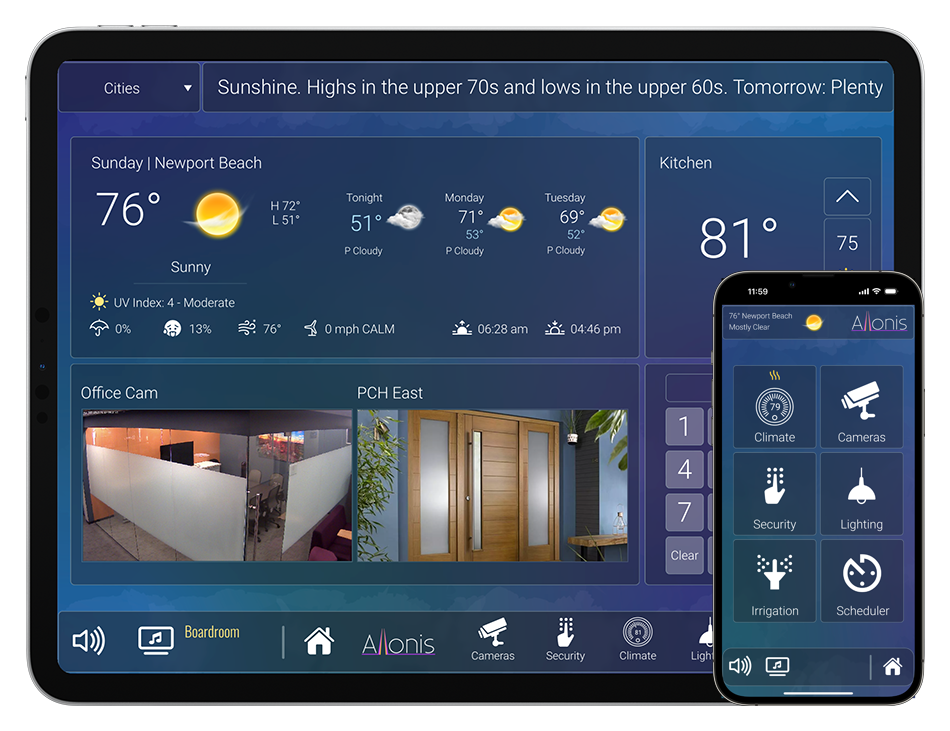

Allonis has created a new web template intended to be used by an Administrator of the Facility to manage password secured functions, on it's own URL. The list of capabilities is unmatched by any control system on the market with the goal to making managing a large scale system as simple as possible without requiring a technical degree.
The Admin Template requires 500 device licenses so is a premium upgrade to a base myServer 6 system.
As each myServer 6 control system is customized for the particular needs, the list of functions can be added / deleted as required during Allonis's programming services phase.
Features:
Ability to set Pre-Sets for:
Audio: Which sources are mapped to which audio zones and at what volume
Lighting: Which lights are on and at what DIM value. Also - Including advanced DMX multicolor scenes
Video source selections: What channel each DirecTV and Cable Box should be on
Video matrix settings: Which sources map to what outputs
Allonis LLC has been developing automation and media content management systems for almost 20 years. The system above is completely customizable for most any content need. Give us a call if you have a project we can assist with.
Installation
Install the Template using the myServer 6 Software Updater. This will then be accesible via "http://<<your myServer IP address>>/admin
The default password is 9876. This can be changed in the myServer 6 User Configuration page for the Admin username.
Usage - Presets
All presets are Room specific. So, select the Room that you would like to set your presets for.
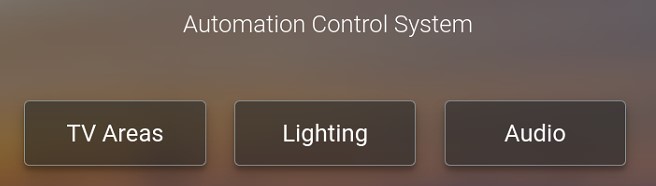
Choose "TV Areas".
You can now change the channels on your video source devices, select which video source you want to go to which TVs, Power On the TVs.
Once you have all of your Video Presets established, click the Preset button on the bottom right of the Sports Bar Template.
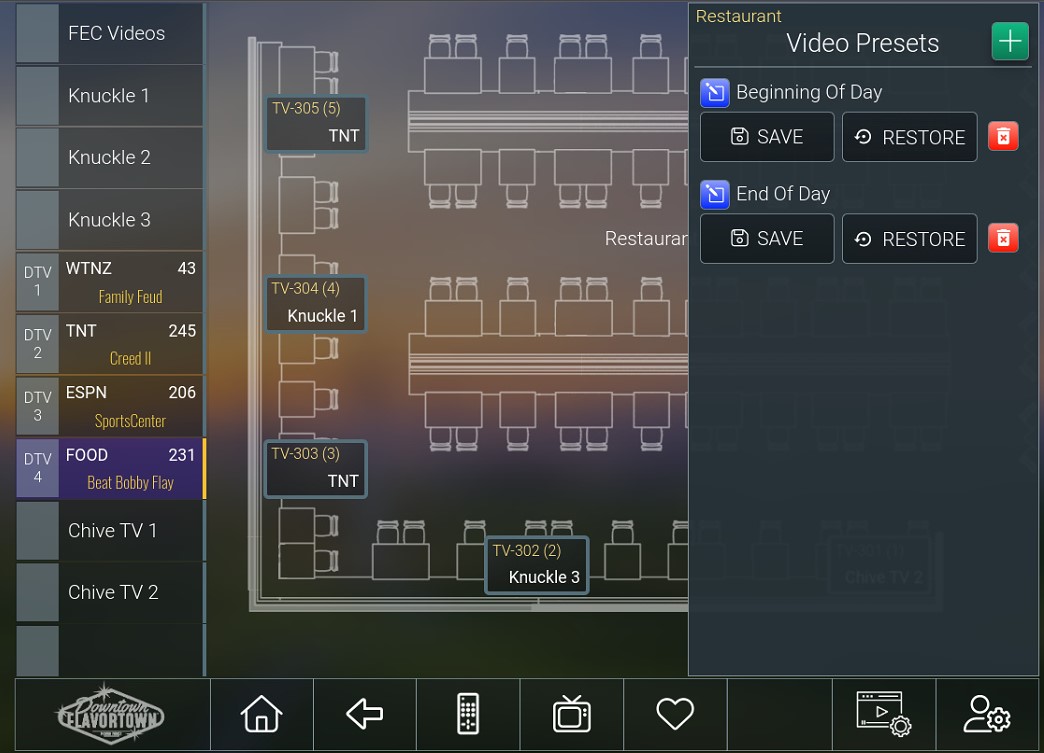
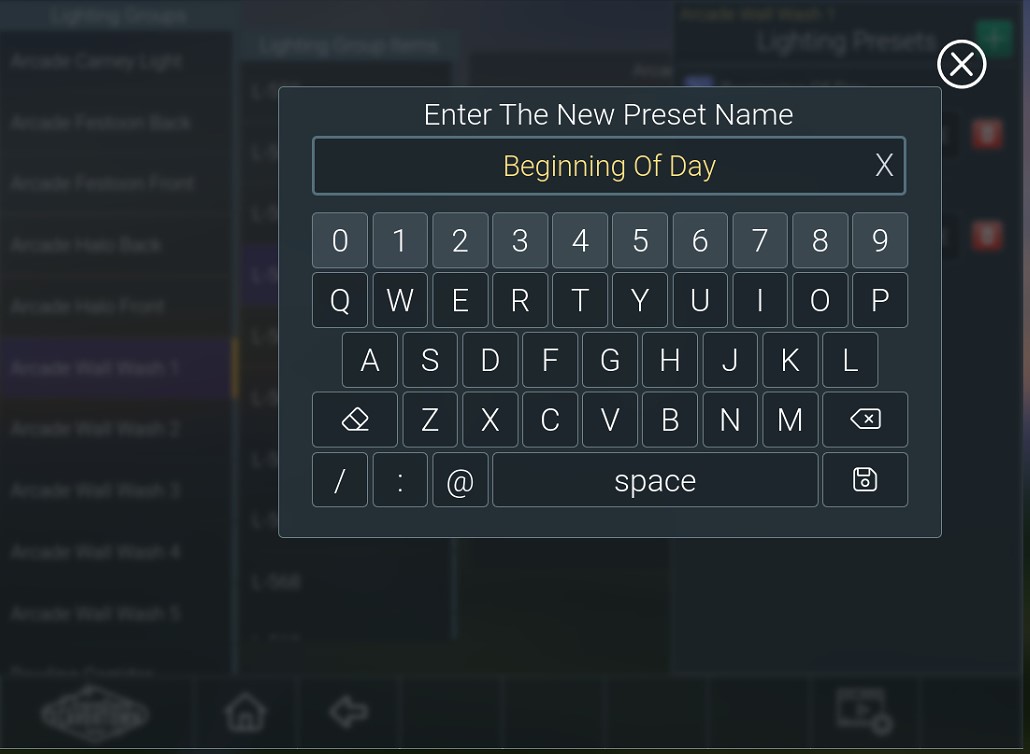
You will see the Presets window display. You will see the default "Begining of Day" and "End of Day" example presets. Either choose of of those, or click the Add button to create your own Preset name. Using the onscreen keyboard, type your preset name and hit Save in the bottom right corner.
Do the same by choosing "Audio"
Select the mapping of Audio sources to Audio Outputs. Change the volume as wanted. Save these settings to a Preset Name.
Do the same by choosing "Lighting"
Lighting add additional complexity. After you choose your room, you then choose your lighting groups. The preset is by room / by group. The lighting devices in that group can then be controlled. You can do finite control of your RGB or white light settings.
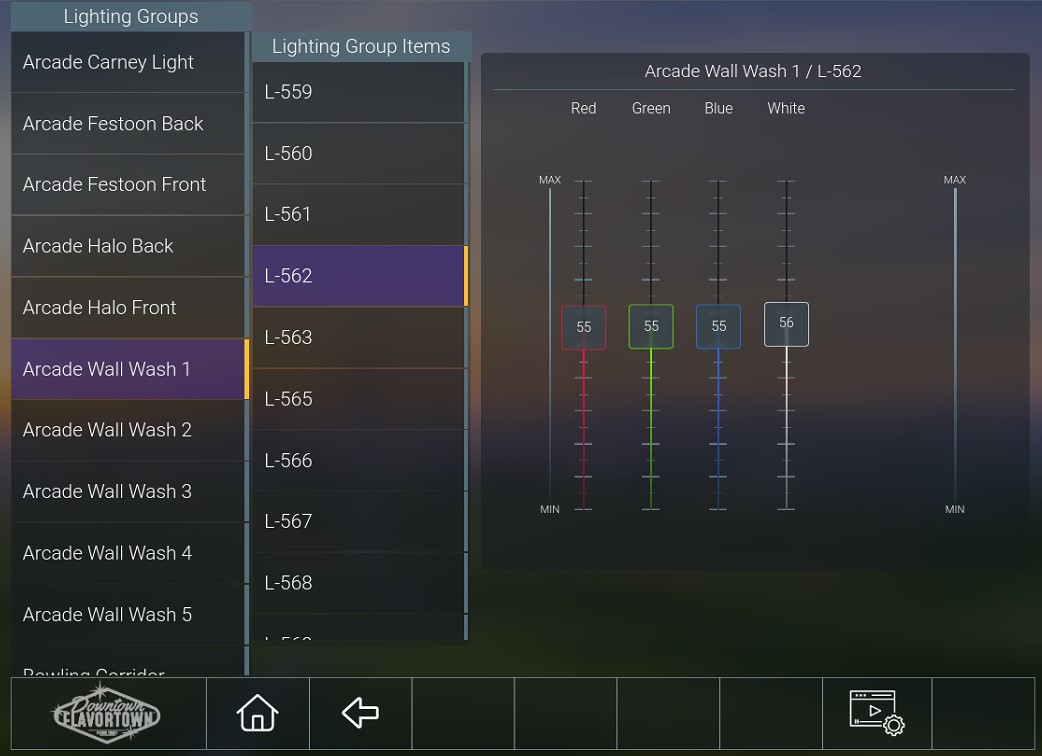
Do same for all lights in that Group
Save to a preset name of your choice.
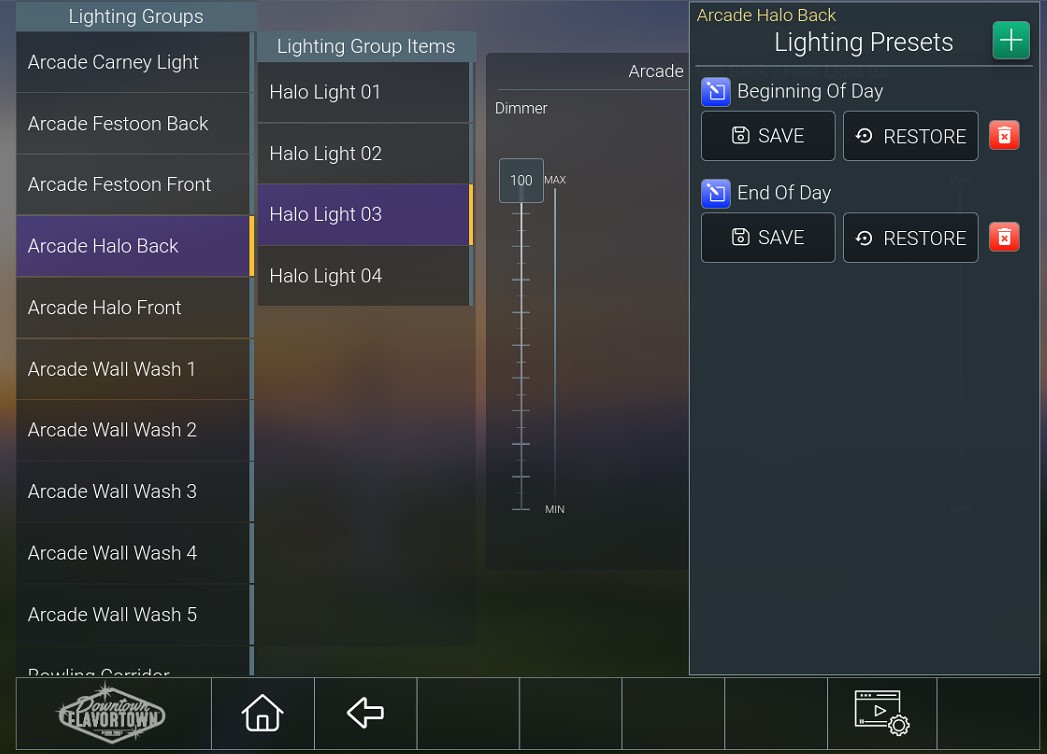
Note: If you want to invoke a Preset for All devices (Audio, Video, Lighting), ensure the saved name is consistent for "Begining of Day" and spelled the same. Then, when that Preset is executed, all of the presets of same name will be executed together.
Preset Scheduling:
Now that we have presets defined, we can use myServer 6's automation server to trigger those presets at certain time of day, days of week, days of the year, on holidays, etc.
It is also possible to schedule a Macro that can have a custom programmed dependency condition before the Preset is executed. For example, Run the Begining of Day preset(s) If it's 9AM AND it's not Jan 1 (holiday).
System Admin Functions:
The myServer 6 controller should never be ungracefully powered down (power disconnected while the application is still running). The system should be gracefully shut down first using the Administration Template Power command
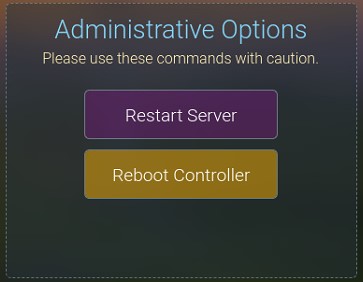
Additionaly, the myServer 6 application can be Restarted.
The controller can also be Rebooted if needed.